This video will teach you how to find your URL link and how to login. The first time you login, your username and password are you email address.
Example: Username: email Password: email
Find Your Agency URL
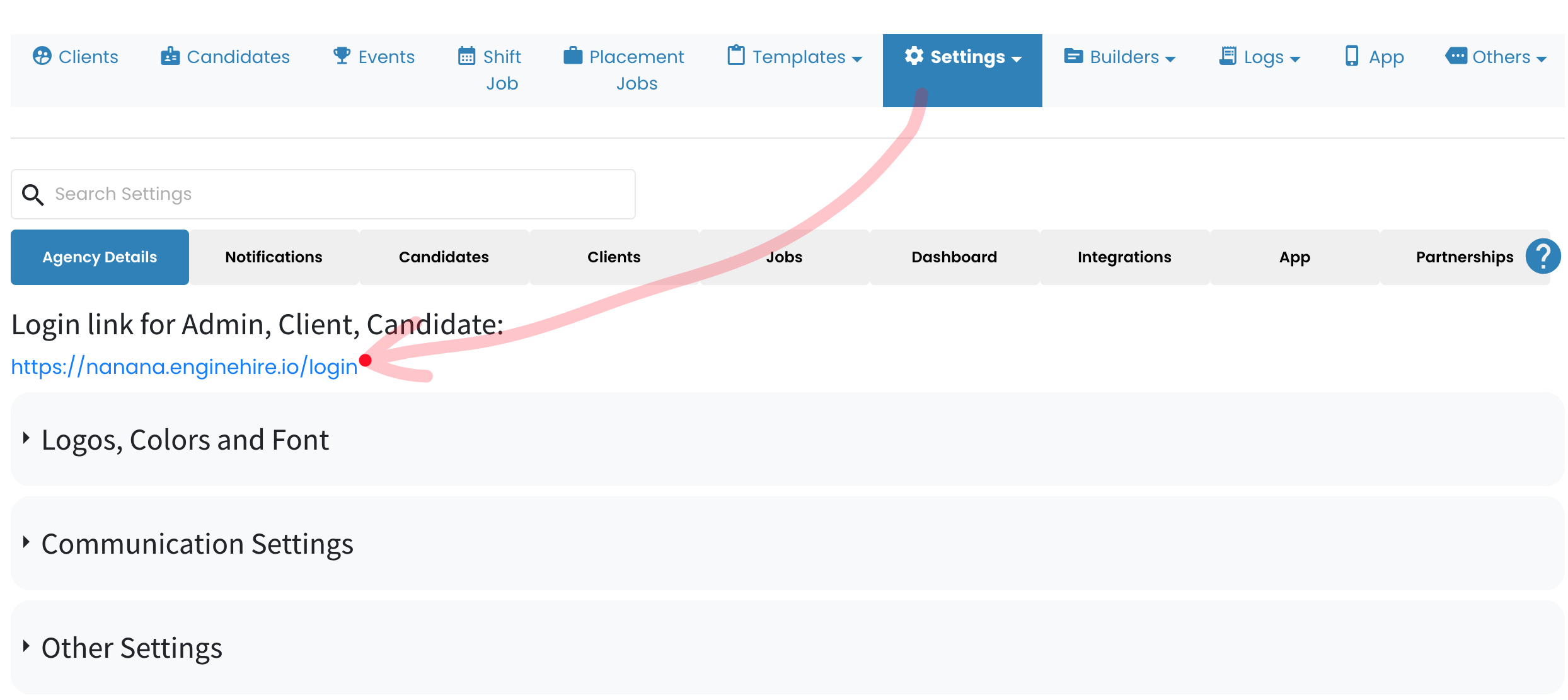
1. From Mission Control select Setting.
2. Select Global Settings.
3. Select Agency Details.
4. See the URL under Login link for Admin, Client, Candidate
Example: https://agencyname.enginehire.io/login