
“Below you will see an example of field types that we have available and how they are viewed.
Text Box
When adding a text box, this will allow a single line of text.

Example:

Text Area
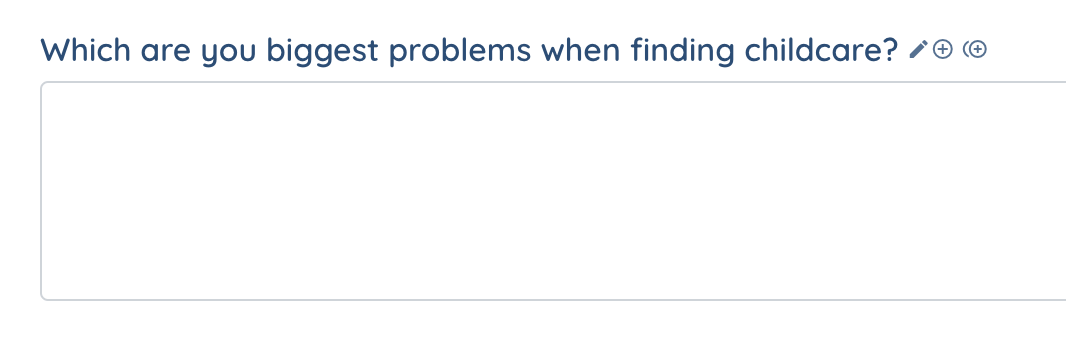
When adding a text area, it allows for a paragraph or multiple lines of text.

Example:
Radio
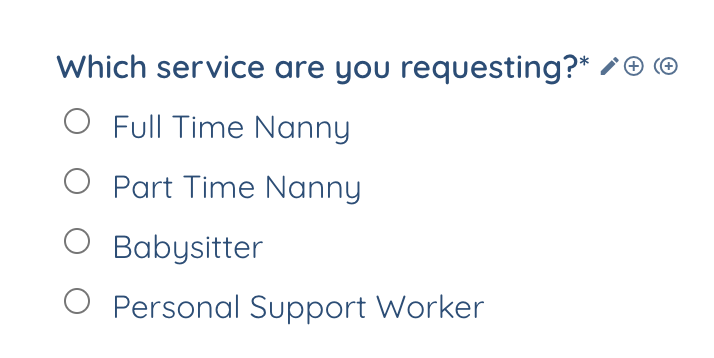
Adding radio icon allows you to add a list of options for the applicant to choose from but they can only choose 1.

Example:
Checkbox Item (Single Checkbox)
Choosing the Checkbox Single button only allows the applicant to view and select 1 option.

Example: This is typically used for “I agree” statements

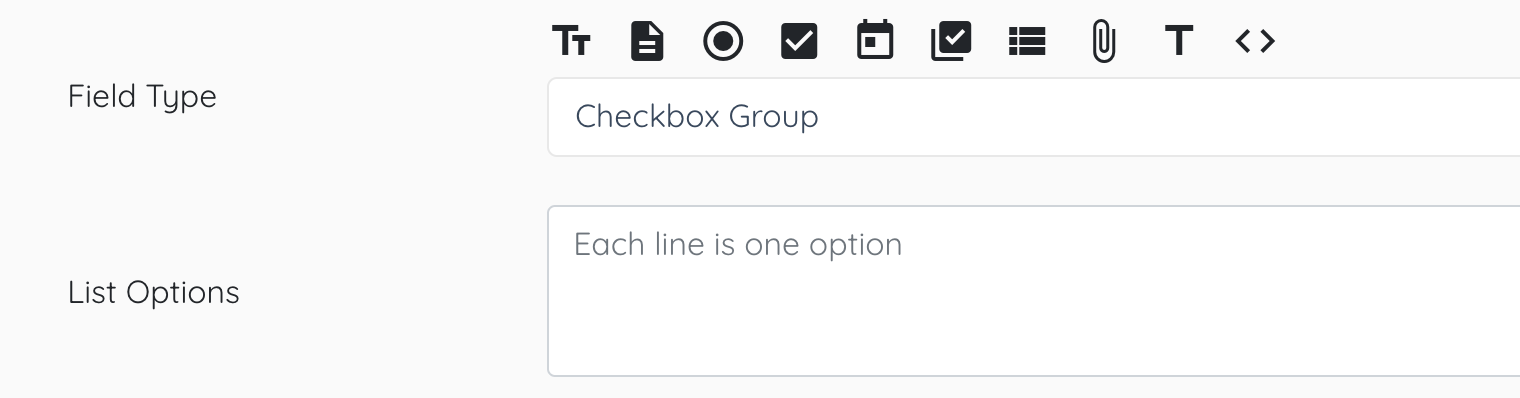
Checkbox Group
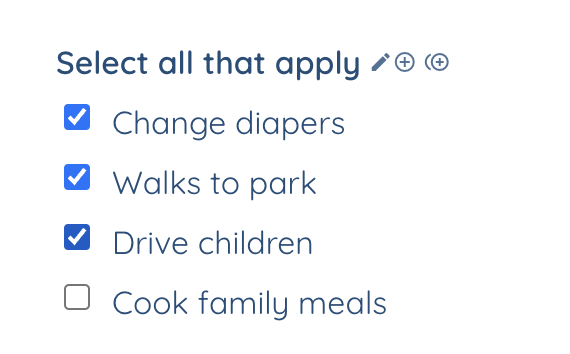
List multiple options, allowing the applicant to select more than 1 option.
Example:
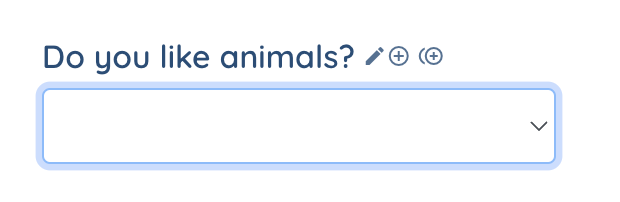
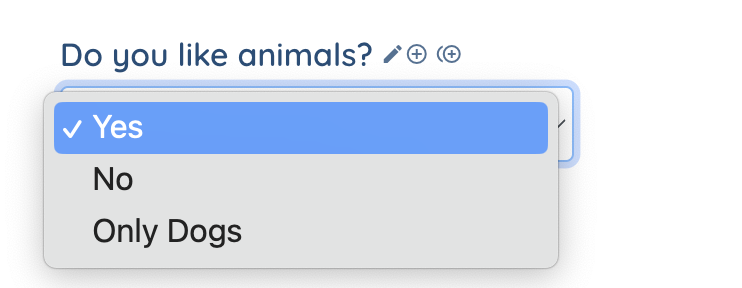
Dropdown
Drop down option will allow you to list options for the application. The user will be able to select 1 options from the drop down.

Example:
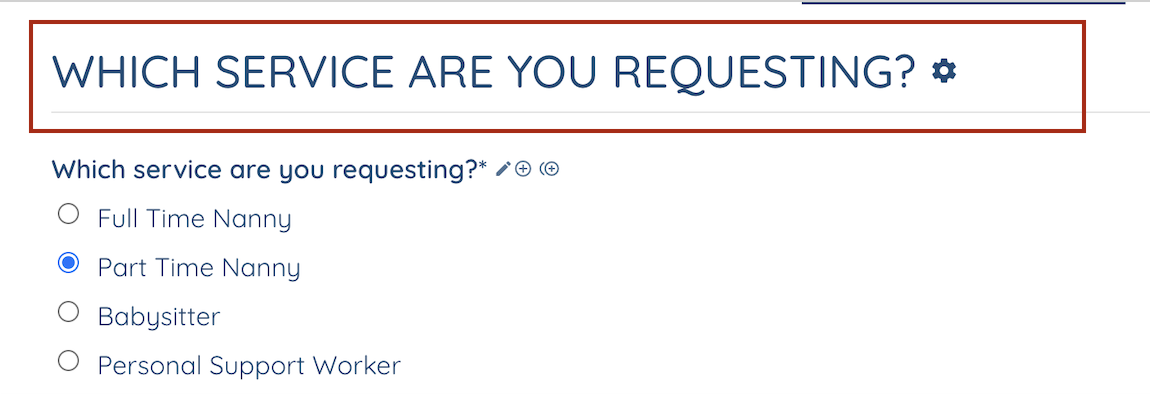
Section Title
This allows you to create a section title for the application in any area.

Example:
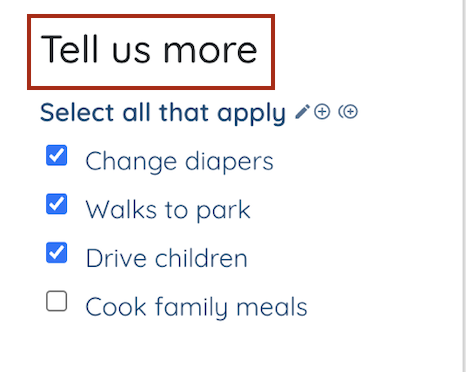
Secondary Title
This is a smaller title that will allow you to define what you want the user to do.

Example:
Pro Tip:
There are many more field labels available within Enginehire.
The ones listed above are some of the most widely used fields.
If you have a question regarding any of our other fields, please contact support so we can help you!