Running a restaurant is fast-paced and full of surprises, but managing your team shouldn’t be one of them. Whether you’re running a single location or multiple venues, having a clear restaurant staffing dashboard is one of the most powerful tools you can use to stay organized, reduce labor costs, and lead with confidence.
If you’ve ever found yourself wondering who’s on shift, who’s nearing overtime, or if you’re about to go over budget, it’s time to look at your dashboard setup. In today’s digital age, every smart restaurant staffing strategy includes real-time visibility into your team’s hours, availability, and performance.
Why a Restaurant Staffing Dashboard Is Essential
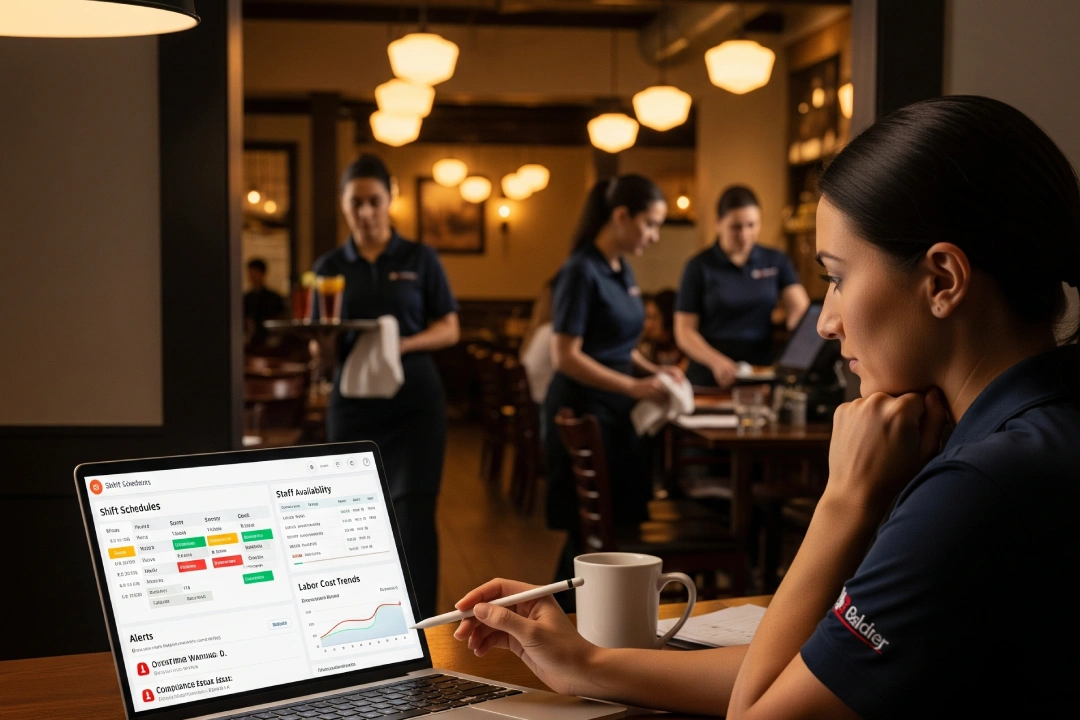 Think of your staffing dashboard as your restaurant’s control center. It gives you instant access to key info, such as:
- Who’s working today and when
- Who’s available for last-minute shifts
- Labor cost trends by day/week
- Overtime and compliance alerts
Even small restaurant teams benefit from this kind of visibility. The goal isn’t just having more data, it’s making faster, smarter decisions that keep your operations smooth and your staff happy.
What to Include in Your Staffing Dashboard
Here are the must-have features for a solid restaurant staffing dashboard:
Daily Shift Coverage
See each shift (morning, afternoon, evening) clearly laid out, who’s assigned, who’s not, and where coverage gaps exist.
Total Hours Per Employee (Weekly + Monthly)
Monitor underworked employees, overtime risks, and signs of burnout before they affect your team or budget.
Labor Cost Percentage by Day or Week
Stay on top of your labor-to-sales ratio to ensure you’re operating within targets. Even a simple visual from Google Sheets can make a big difference.
Pending Time-Off or Shift Swap Requests
Centralize all time-off and swap requests in one place so nothing gets missed or lost in messages.
Compliance Flags
Auto-alerts for break violations or overtime rules can save you from legal issues and keep staff protected.
Tools to Help You Build Your Restaurant Staffing Dashboard
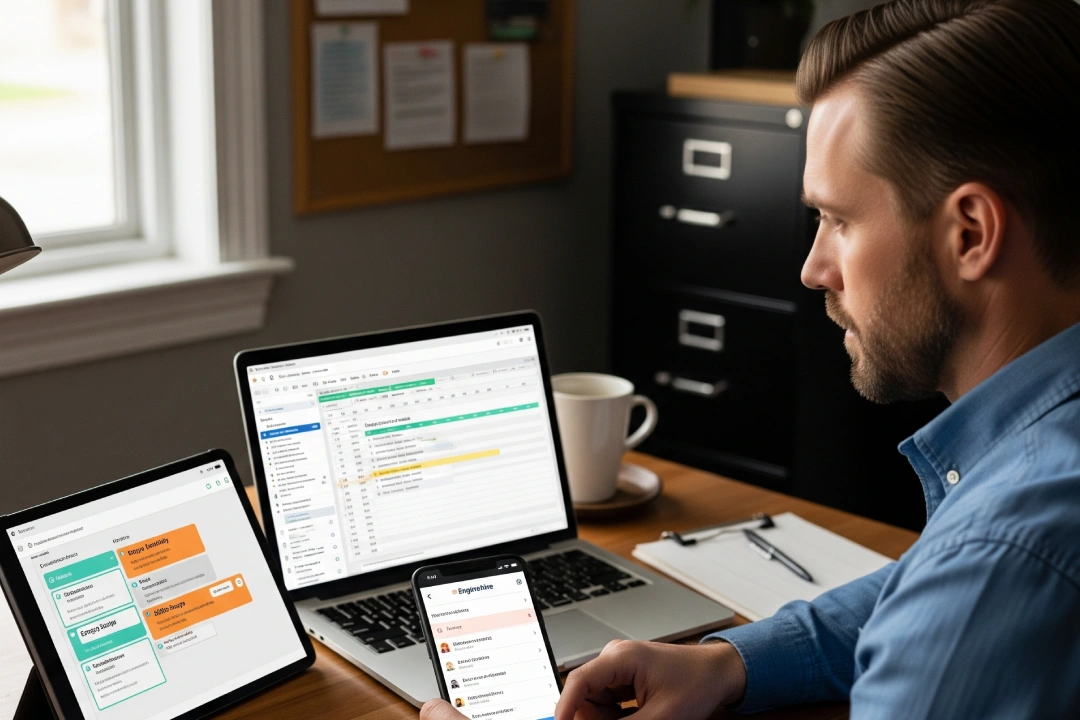 You don’t need fancy tech to get started with restaurant staffing dashboards. Here are three practical options:
- Spreadsheets
Simple, customizable, and great for beginners. Use weekly planners and create tabs for labor cost tracking and time-off logs. - Project Management Tools
Apps like Notion or Trello can be adapted to track availability, swaps, and requests for small restaurant teams. - Dedicated Scheduling Platforms (like Enginehire)
Purpose-built platforms make managing restaurant staffing easy and error-free.
How Enginehire Supports Restaurant Staffing
At Enginehire, we’ve designed our platform to simplify restaurant staffing with built-in dashboards and smart scheduling tools. Originally built for staffing agencies, Enginehire now serves restaurants by helping managers track shifts, manage availability, and approve time-off or swaps in just a few clicks. It’s built to be intuitive and flexible, allowing teams to adapt quickly to changes in staffing needs, peak hours, or unexpected absences.
Our platform shows you who’s working, how many hours they’ve logged, and even alerts you to compliance issues, so you can stay in control without spreadsheets or guesswork. Whether you’re a small café, a growing restaurant group, or a busy chain with multiple locations, Enginehire helps you manage your team efficiently and with confidence, giving you more time to focus on delivering great service.
Final Thoughts: Lead Smarter With Better Staffing Visibility
When you stop guessing and start tracking, everything changes. A smart restaurant staffing dashboard gives you real-time insights, fewer surprises, and a more engaged team. It helps you lead with clarity and shows your staff that you’re organized and proactive.
Better staffing leads to better service and better business.
Know why our customers rate Enginehire as the best ATS for staffing agencies

Sarah M.
When I first spoke with Enginehire I thought the price was a little steep and almost did not move forward. Ever since then the price is worth every penny. If I ever need anything updated, they respond almost immediately with a solution. They are continuously working to keep the system updated and always adding new features
Read full review
Founder of Nannies Coast to Coast

Debra Fortosis
I have used two other management platforms and I can tell you that Enginehire is the best. Want a one-stop shop? You can match people to jobs, build resumes directly from their profiles, and so much more in seconds. Enginehire has saved me money by saving me time.
Read full review
Elite Family Care

James McCrossen
Enginehire has been a game-changer for my agency. One of the biggest standouts is their tech support. Using Enginehire has genuinely helped me become more efficient and streamlined our operations. Highly recommend it to any agency owner looking to level up.
Read full review
Manny and Me

Amelia D’Urso
,
I should have done this months ago. I waited out of fear and concern that automation wouldn’t be the right fit for such a personalized service. I was so wrong and I’m kicking my past self for waiting! Any agency that is on the fence or considering Enginehire should just take the plunge. It is worth every penny!
Read full review
Amelia’s Nannies

Lydia B – Owner of
The Enginehire Team have been excellent to work with and provide phenomenal customer service . Their knowledge of the industry and individual customization is unparalleled and their platform has revolutionized the way that my team does business.
Read full review
Sommet Nannies

Ruka Curate
We have used so many platforms. From iCims to Bullhorn, to trying to create ones ourselves with Zoho, Asana, Monday.com, Trello, and Airtable. They just did not work for our industry. Enginhire has created a logical system that is simple to use with lots of amazing features. I am so glad we found them.
Read full review
Tiny Treasures NYC

George Johnson
The software is brilliant, it is the only one we could find in our 4 years of looking that would do exactly what we wanted. It has honestly taken a huge amount of admin of our hands. It is is almost 100% customisable.

Deniz Hanson
The Enginehire team was absolutely wonderful to work with; professional, dedicated, and supportive. I cannot recommend Enginehire enough if you’re looking for a way to streamline your processes and work with a patient and understanding team.
Read full review
Trusted Nanny Match
Trusted by hundreds of staffing agencies as the best ATS for staffing agencies